

A new major release of CB Gallery is now available. Some awesome new features, bug fixes, and more are now available. Check out the details below.
The biggest improvement is individual album and media Access. This allows individual albums and media to have a View Access Level assigned to them. The primary purpose of this is to synchronize access across galleries. So for example media that belongs to an Article will have the same Access as the article. By doing this we can aggregate away media a user can't access through the database instead of server side using PHP. This has substantially improved performance and significantly reduced the number of incomplete pages due to aggregation. For now this is managed primarily internally or through backend management views, but this parameter maybe exposed to frontend views in the future. Note existing albums and media were left untouched and are defaulted to Public for backwards compatibility purposes.
A new template has been added to provide a more mobile like experience. The "Shorts" template is a 16/9 aspect ratio enforced template meant to focus on mobile. This mimics Facebook Shorts, YouTube Shorts, etc.. style and design. Ideally works best for video galleries, but you can use it for whatever media types you like as the modal window popup functions the same.
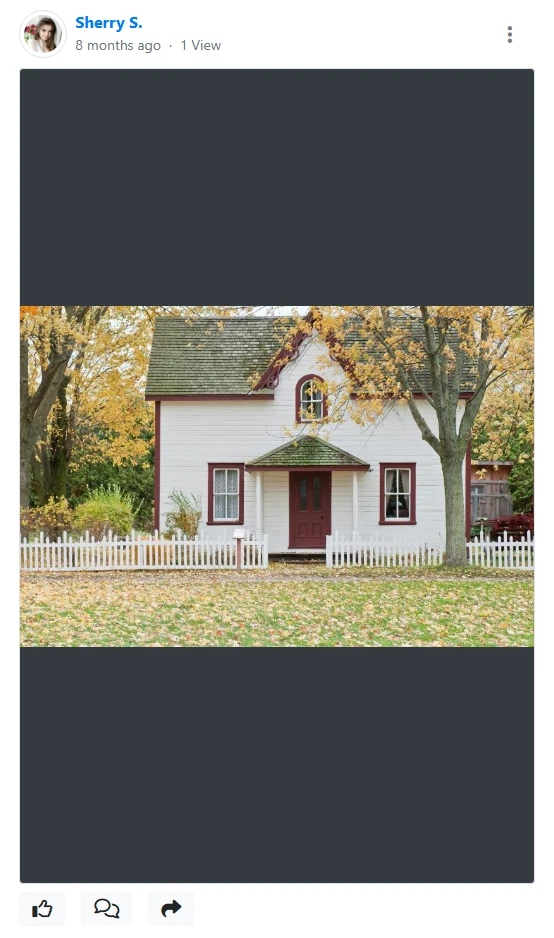
Moving media is back! A new way to move media from album to album OR even more an entire albums worth of media to a new album is now available. You'll find a convenient new dropdown option for you media in the modal window.
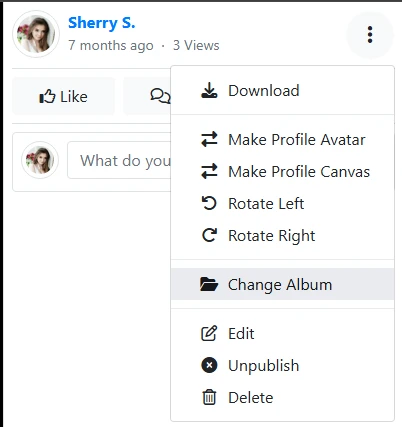
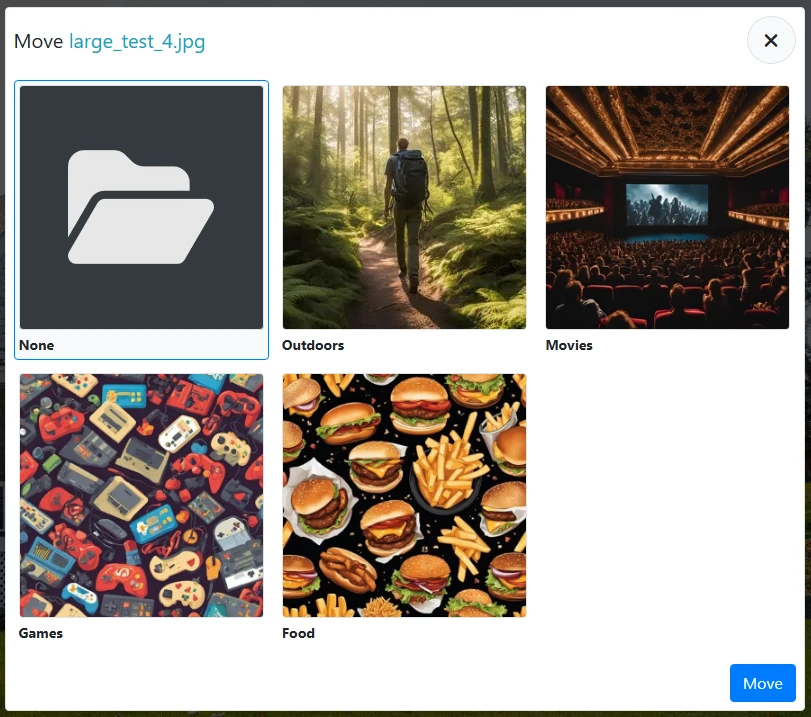
Using this provides a popup dialog to select what album you'd like to move to. Note you can only move to albums within the same gallery.
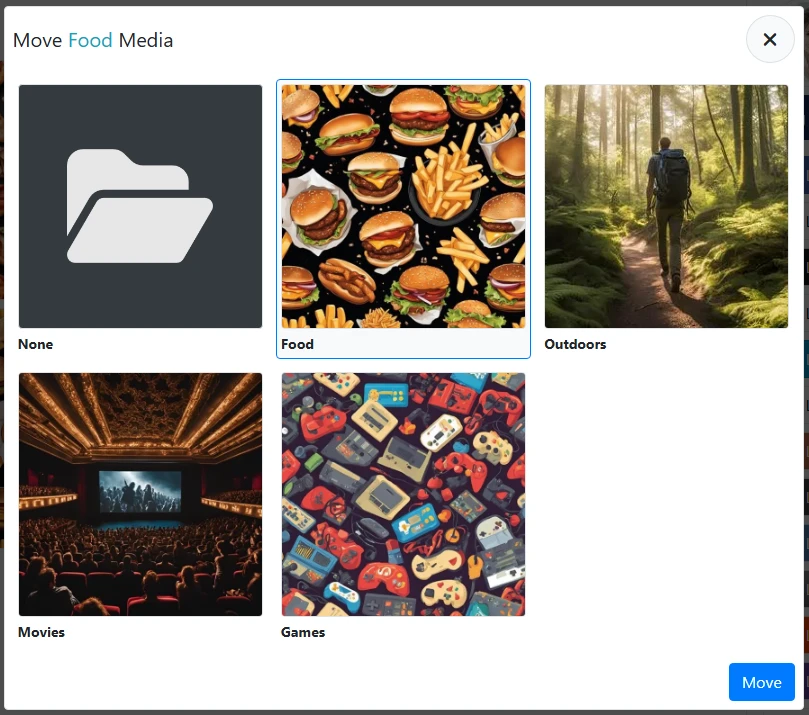
When viewing an album it will have a similar button that'll show the below dialog for selecting an album to move all its media into.
Backend editing of media has also been improved for articles. It now includes expandable edits to allow quick title and description editing for individual article media so you don't need to do excessive clicks accessing modal window editing.
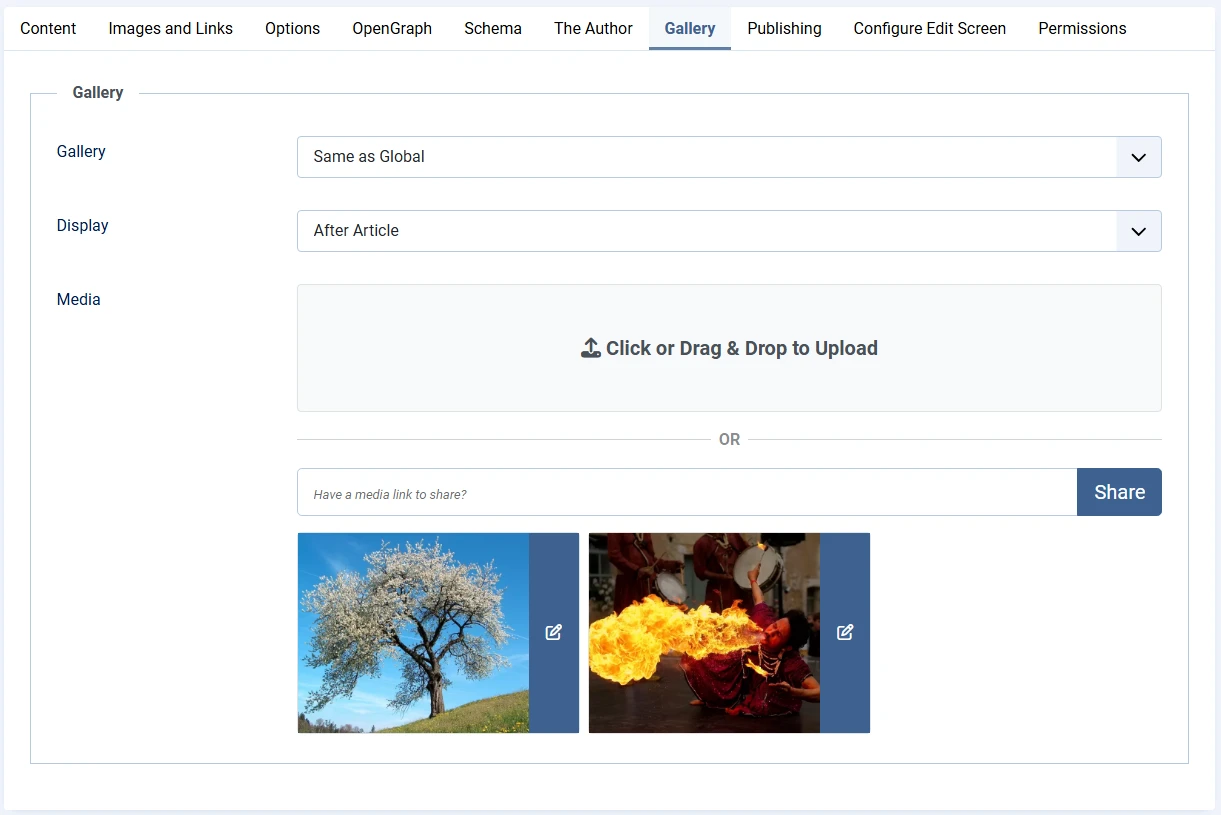
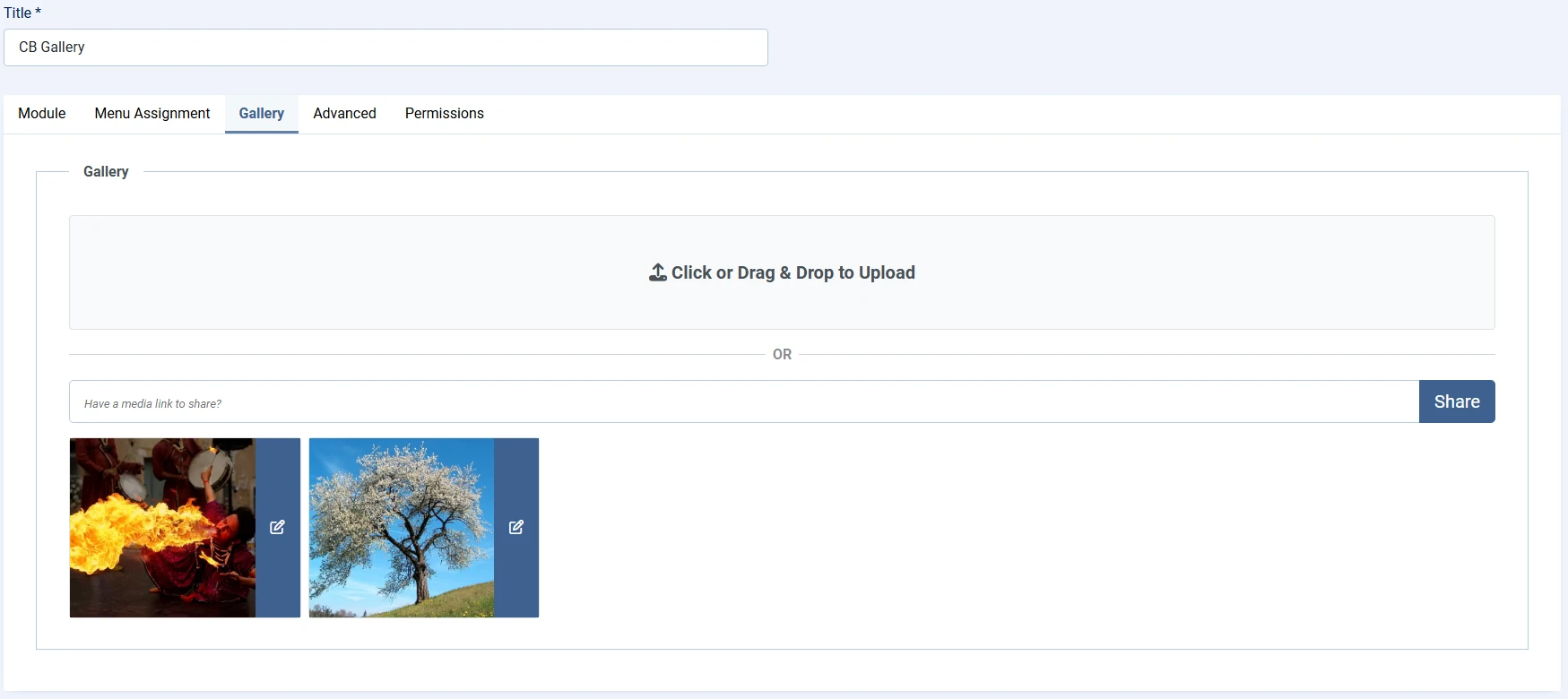
It's now possible to share media from backend module edit directly into galleries. This is convenient for module specific galleries for easy media management to avoid having to do so from frontend.
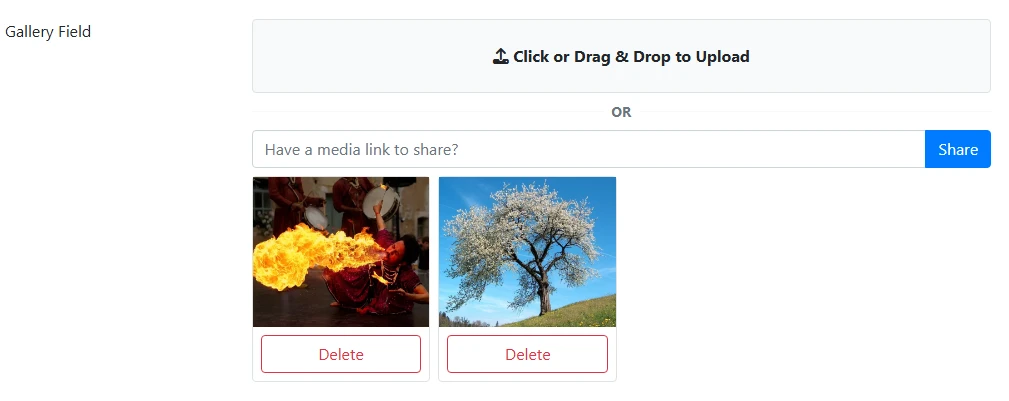
We're not done yet. Field edit of galleries is also now available. If your gallery field is configured to display on profile edit then your users can now conveniently upload and manage their media directly from profile edit.
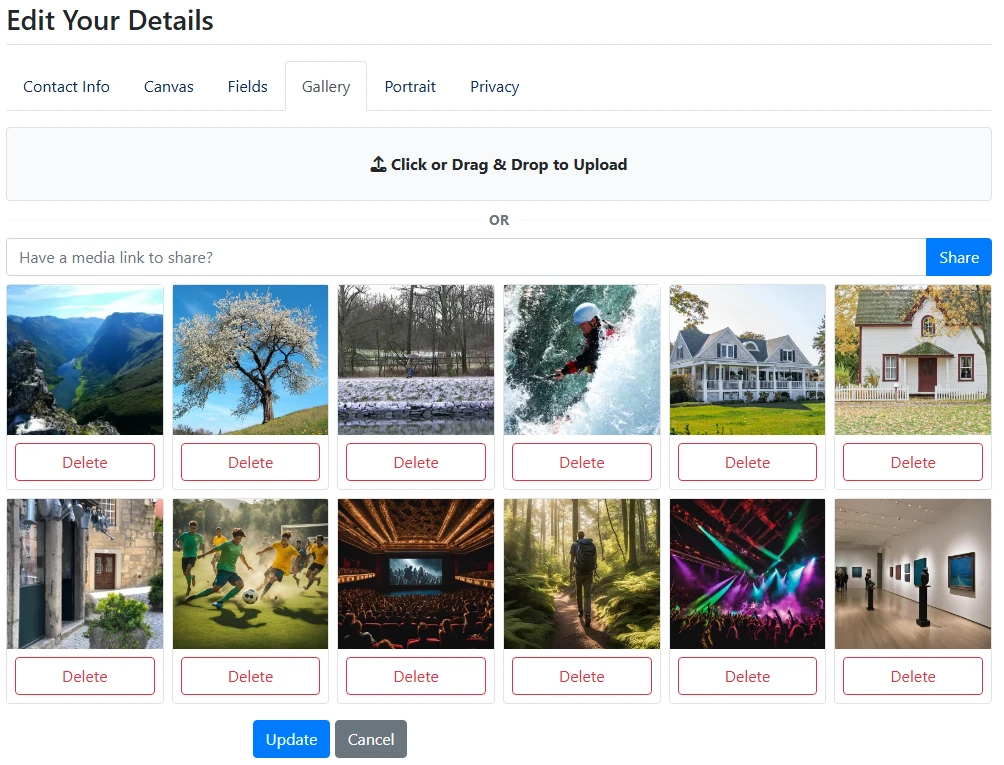
The same applies to the Gallery Tab, but this needs to be toggled on within the tabs parameters.
Moderation views have been improved substantially with support for hover previews to quickly preview media being approved. This simply shows a thumbnail only.
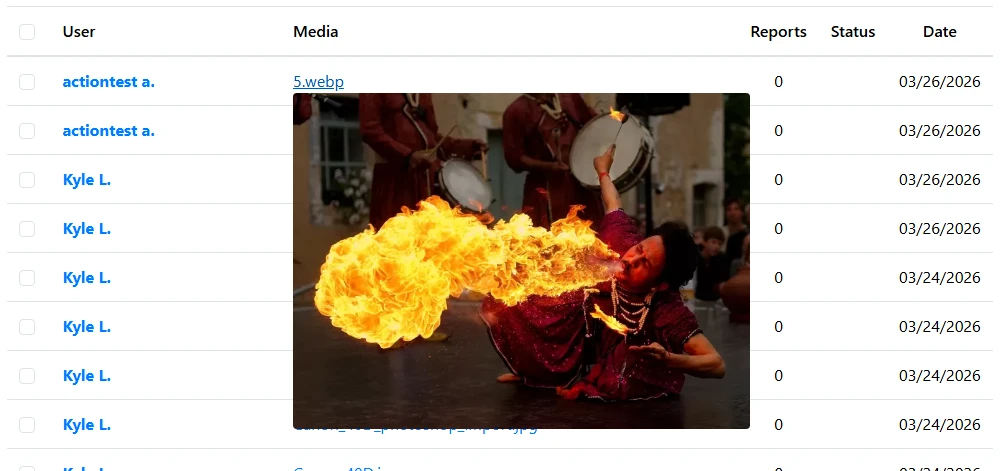
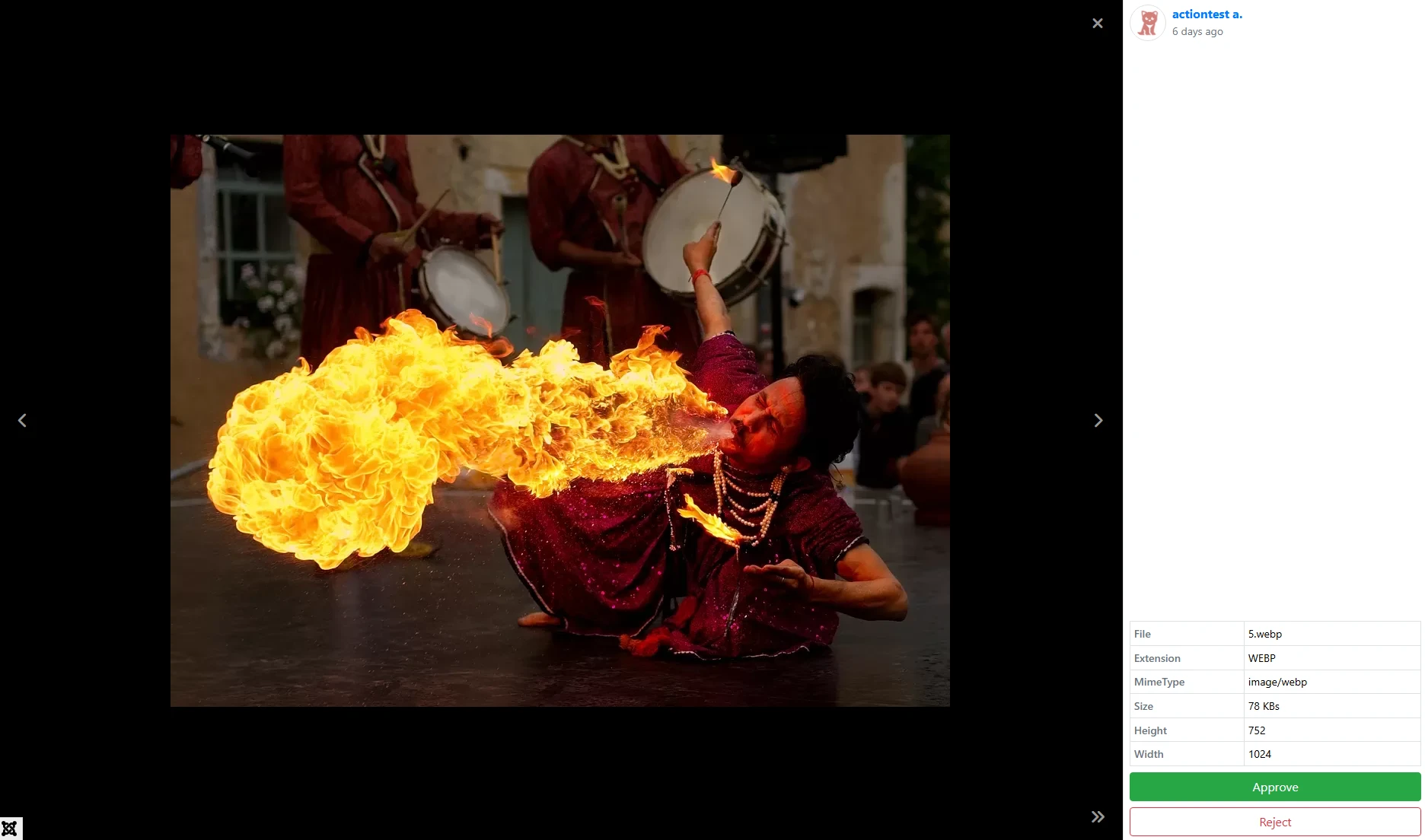
To speed moderation up even further the modal window has been improved with Approve and Reject buttons along with additional media information. Using these buttons automatically navigates to the next media as well. This will let you open the modal once and work your way through approvals.
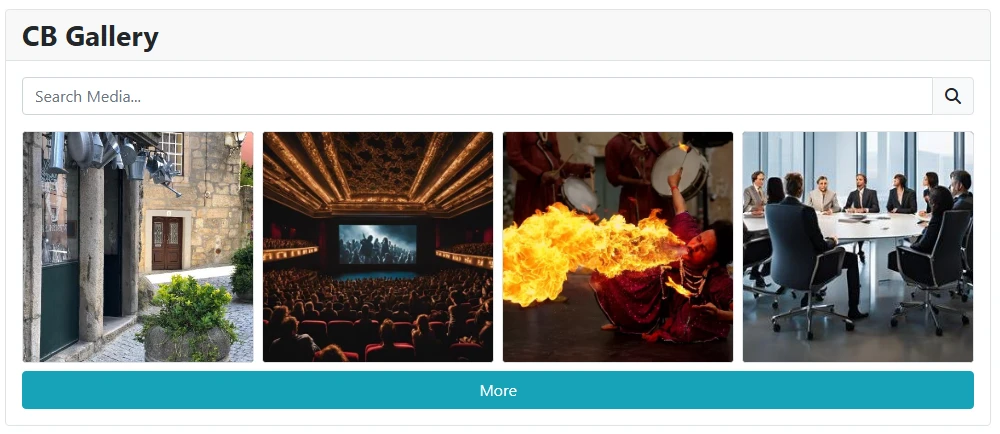
Another massive new feature is Search and Paging support for the CB Gallery Module when using the Media display mode. This is a huge new feature that drastically improves the module experience allowing it to act as mini-gallery displays without having to make new galleries!
Finally we come to the next big thing. Built in support for CB Activity Notifications. All notification parameters, except Albums, can be configured to Notification. When configured to Notification instead of sending a private message or email it will log a CB Activity notification.

New CB Activity and CB Auto Actions build releases are also now available for CB Gallery 4.0.0 compatibility so be sure to update those as well!
For a full change log please visit our forge below.
https://forge.joomlapolis.com/projects/cb-cbgallery/issues?query_id=287
For more details about CB Gallery please visit its addon page below.
https://www.joomlapolis.com/addons/cb-gallery
More great features are planned for future releases, but I hope everyone enjoys all the great new additions!